

Bringing your artwork to life through printing can feel overwhelming, especially if you're new to the process. Whether you’re a professional photographer, a digital illustrator, or someone who’s just getting started, Nations Photo Lab is here to make it easy. In this guide, we’ll walk you through everything you need to know to create high-quality art prints—quickly, confidently, and professionally.
Why Print Your Art?
There are many great reasons to turn your digital or physical artwork into printed pieces. Some artists want to decorate their homes with their own creations or share their art as meaningful gifts. Others may want to create greeting cards, launch a print shop, or deliver finished pieces to clients.
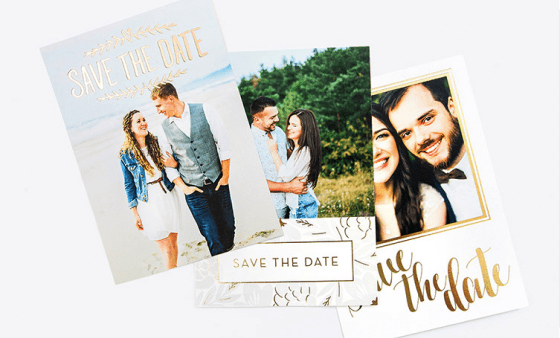
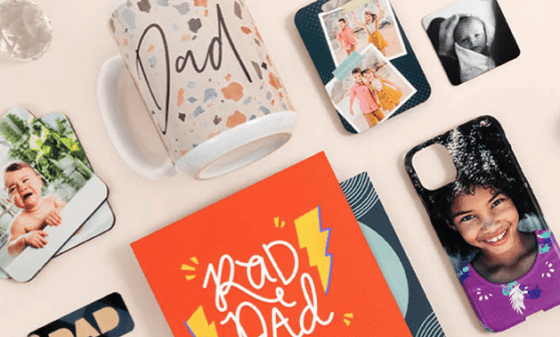
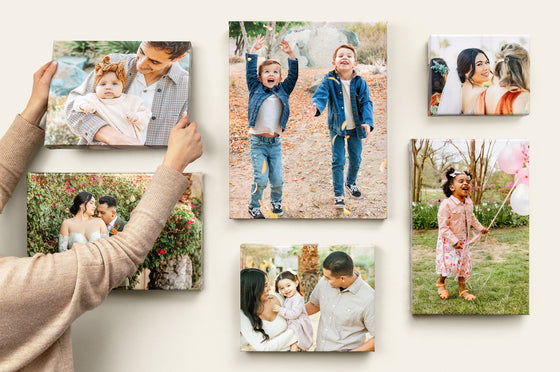
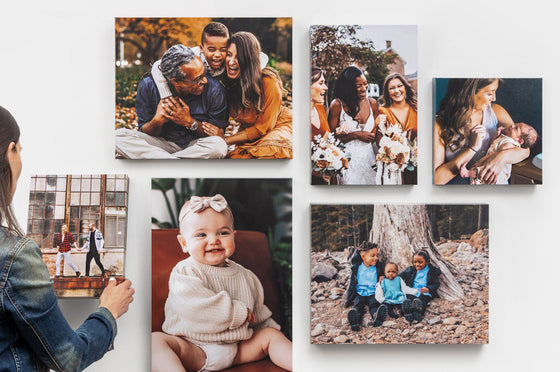
Whether it’s for personal enjoyment or professional use, printing your artwork can bring your vision to life in a whole new way. It also opens the door to a range of creative products—from framed wall décor to custom photo gifts, fine art prints, and premium professional prints.
How to Make an Art Print
At Nations Photo Lab, we make it easy to transform your art into stunning prints. Follow these simple steps to get started:
Step 1: Digitize Your Art
Before you can print your art, you need a high-quality digital version. If your artwork is already digital—like illustrations from a tablet or computer—this part’s easy. For physical pieces like paintings, sketches, or collages, you’ll need to:
-
Scan your artwork using a flatbed scanner
-
Photograph it with a DSLR or smartphone in natural lighting
-
Use a professional digitizing service for extra detail and color accuracy
Whatever method you choose, ensure your digital file is crisp, well-lit, and evenly cropped to highlight your work.
Step 2: Prepare Your Art for Printing
Now that you have your digital file, it’s time to prep it for the best possible results. This step is critical to getting a print that matches your artistic vision.
-
Resolution: Your image should be at least 300 DPI (dots per inch) at print size. Lower resolutions can result in blurry or pixelated prints.
-
File Size & Type: For best results, upload a high-resolution JPEG or TIFF.
-
Color Format: Our printers use RGB, so we recommend uploading files in that format unless you have specific needs. You can also explore our color corrections information if you’re unsure.
Image guideline example:
If you're printing an 8x10" piece, your file should be at least 2400 x 3000 pixels.
Step 3: Choose Your Format
Next, choose the perfect print style to suit your art. Nations Photo Lab offers a variety of formats, each with its own unique look and feel:
-
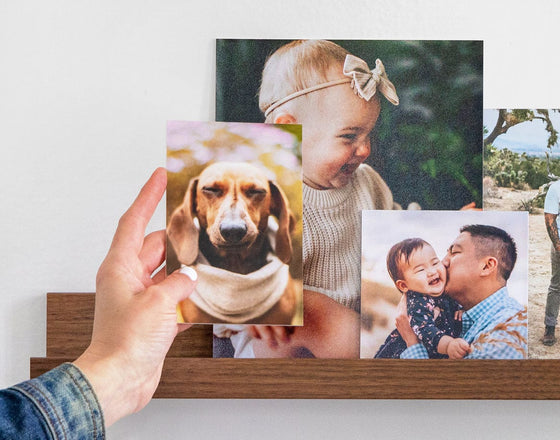
Photo Prints: Great for personal artwork, snapshots, or smaller prints.
-
High Quality Photo Prints: Ideal for professionals looking for gallery-level quality on premium paper.
-
Acrylic Prints: Perfect for modern, vibrant artwork with striking depth.
-
Metal Prints: Sleek, durable, and bold—great for high-contrast or black-and-white art.
-
Canvas Prints: A classic choice for traditional paintings or photos with a warm, textured look. (Link to be added when live)
Each format brings a different energy to your work—choose what best enhances your style.
Step 4: Hit “Order”!
Once your file is ready and you’ve chosen your format, upload your image, select your size and mounting options, and place your order. That’s it. Our team handles the rest, from precise color calibration to professional packaging and fast delivery.
Whether you're printing a one-off piece for your wall or creating inventory for your shop, Nations Photo Lab is the trusted partner for creatives who care about quality.
Art Printing Tips for Professional Photographers and Artists
If you're a pro, these advanced techniques can help you achieve gallery-quality results:
-
Calibrate your monitor to ensure accurate colors from screen to print
-
Use soft proofing and ICC profiles to preview how your image will print on different materials
-
Export your files as TIFF or high-quality JPEG with at least 300 DPI
-
Choose archival-grade papers for art meant to last
-
Match your finish to your medium—matte for subtle detail, gloss for vibrancy, or textured for tactile depth
These steps help ensure your printed work is as polished and professional as the art itself.
Conclusion
From personal keepsakes to professional gallery pieces, printing your art with Nations Photo Lab is a seamless experience. We offer fast turnaround, expert craftsmanship, and premium materials—making it easier than ever to bring your vision to life.
Want to learn more about how to elevate your printed pieces? Check out our guide on how to choose your card paper type for even more pro tips.